
You are using an out of date browser. It may not display this or other websites correctly.
You should upgrade or use an alternative browser.
You should upgrade or use an alternative browser.
Windows 7
- Thread starter mgookin
- Start date
Quote from Free Thinker:
Why did they eliminate the option to go back to the classic look? i dont like the new taskbar.
speaking of fu**ups what did they do to the msn homepage. it sucks bigtime.
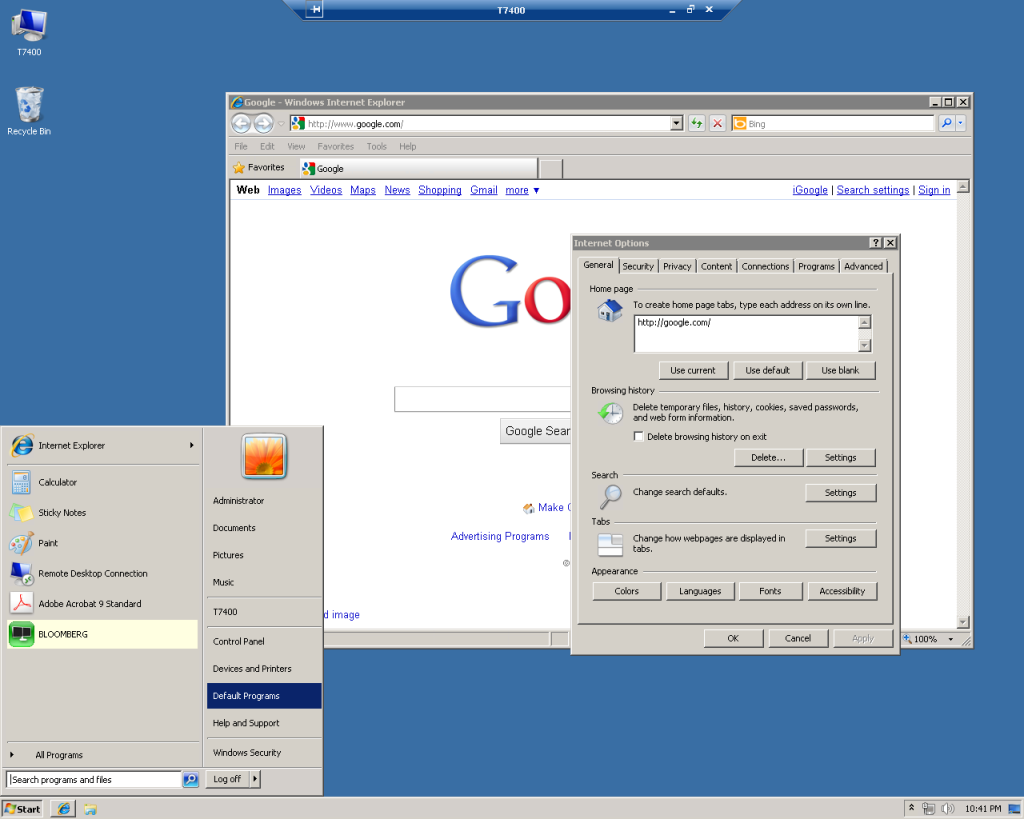
Right click on My Computer, go to Properties. On the left click "Advanced system settings". Under the Advanced Tab, click the Performance "Settings" button, select "Adjust for best performance".
Next - Right click on my computer and go to "Manage" (I run everything in the uber-admin mode so you may need to "Run as Administrator"). Under Manage go to Services and Applications. Expand the Services section and search for Themes. Double click Themes and change the startup type to "Disabled" and click Stop.
Your computer should look exactly like Classic Windows AND all those aero bubbles & things are turned off.
I find W7x64 to be much more user friendly to XPx64. I don't find any performance differences outside W7 simply being so much easier to use and install that I can't see anyone going back after installing W7 once. FWIW, I don't own any W7x86 (32-bit) licenses, everything is 64-bit so I'm not sure how 32-bit W7 compares to 32-bit XP. I'd imagine its probably the same thing if setup properly.
Quote from dcvtss:
I just tried to help a friend share a local printer connected to a Win7 desktop to a Vista laptop over a wireless network, what a pain in the ass this homegroup and ridiculously fine grained sharing controls are. Couldn't get it to work and he had no internet connection yet so I had to wait to get home to check google and see how many friggin properties windows you have to go through to set this up.
Recently installed a second (HP) printer on my Linux home network. No driver installation, auto configured, a few seconds to make it accessible to all users and machines on the net. All done.
Quote from gettinglucky:
lol... w an ugly lookin deshktop liek that, why bother even
upgrading to Win7?
Notice the bar across the top of the screen? I don't even have a monitor or a keyboard hooked up to that machine. Its remote desktop only with 8GB RAM and two X5450 CPUs. It runs simulations and pulls data only.
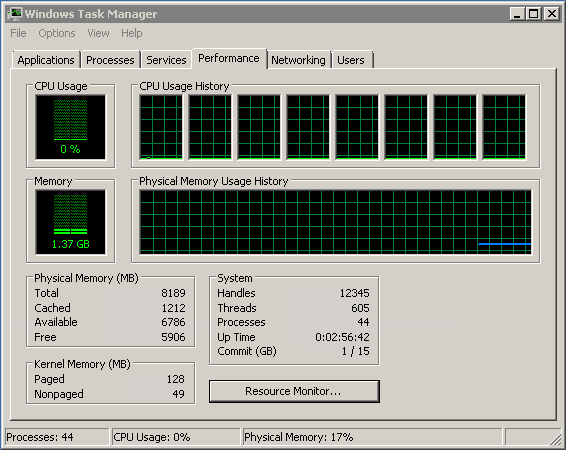
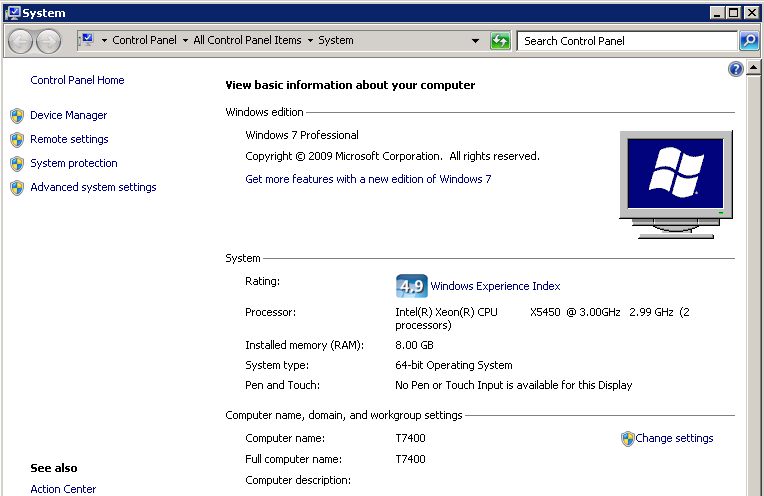
If I wanted to look at pretty pictures I'd buy a Mac. IMHO screensavers/Desktop backgrounds are for people who don't have anything up on their screens all day and want to look cool.

Quote from WinstonTJ:
Notice the bar across the top of the screen? I don't even have a monitor or a keyboard hooked up to that machine. Its remote desktop only with 8GB RAM and two X5450 CPUs. It runs simulations and pulls data only.
If I wanted to look at pretty pictures I'd buy a Mac. IMHO screensavers/Desktop backgrounds are for people who don't have anything up on their screens all day and want to look cool.
I thought you have a dual CPU W5580... you also have a dual CPU X5450?