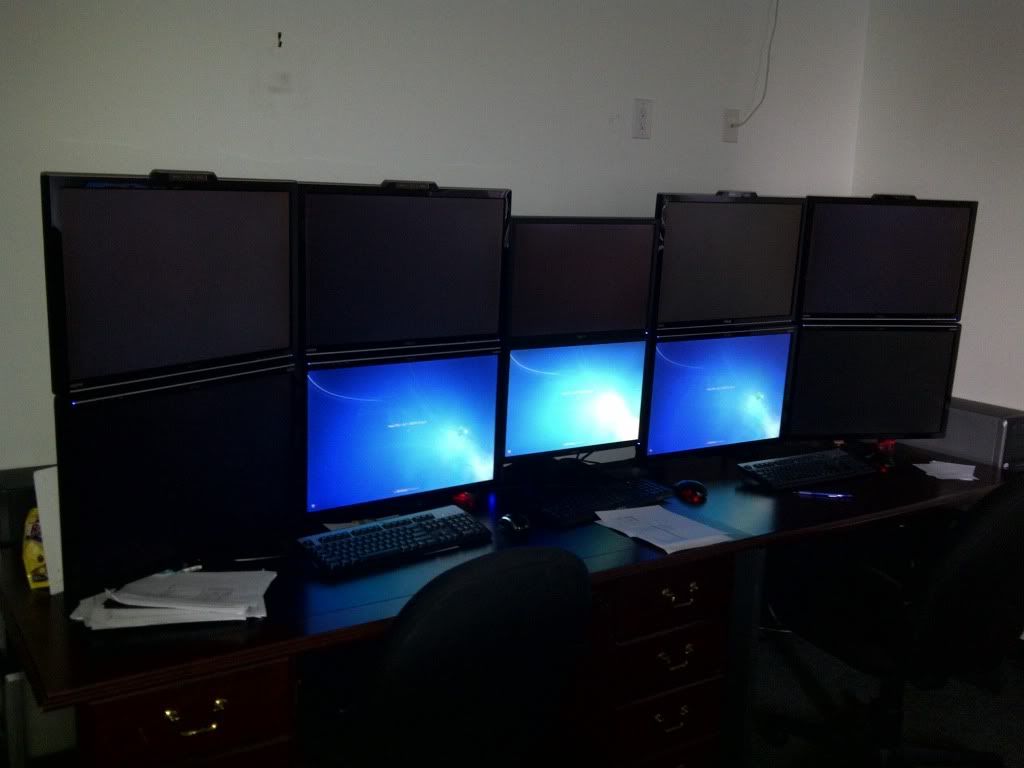
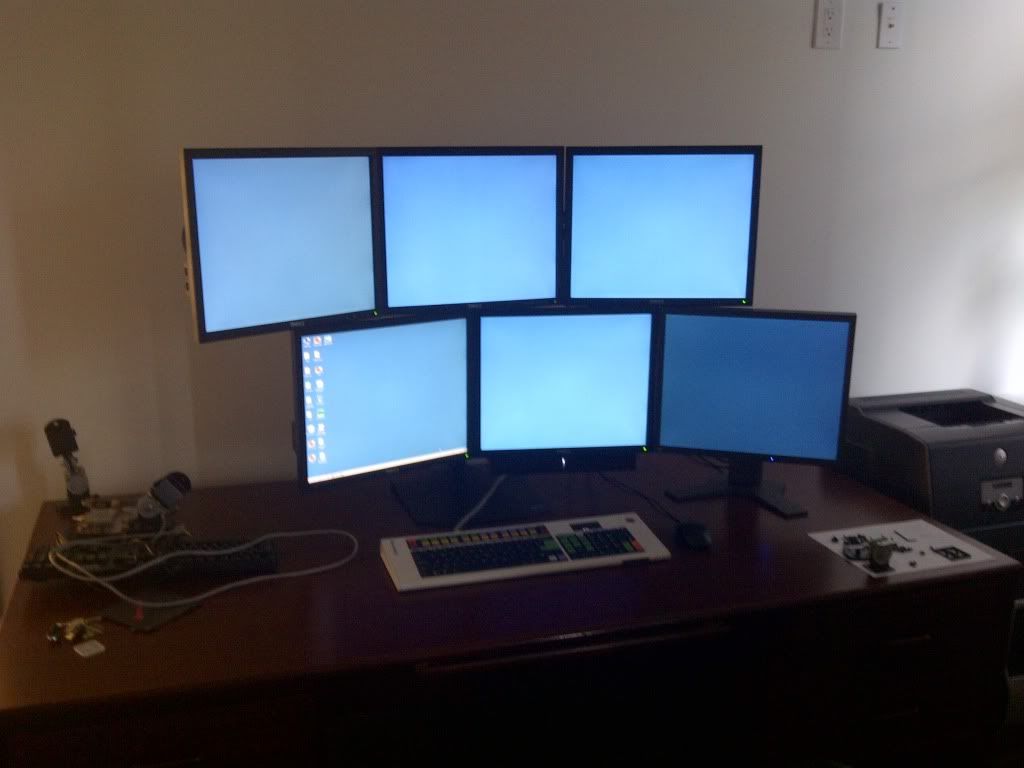
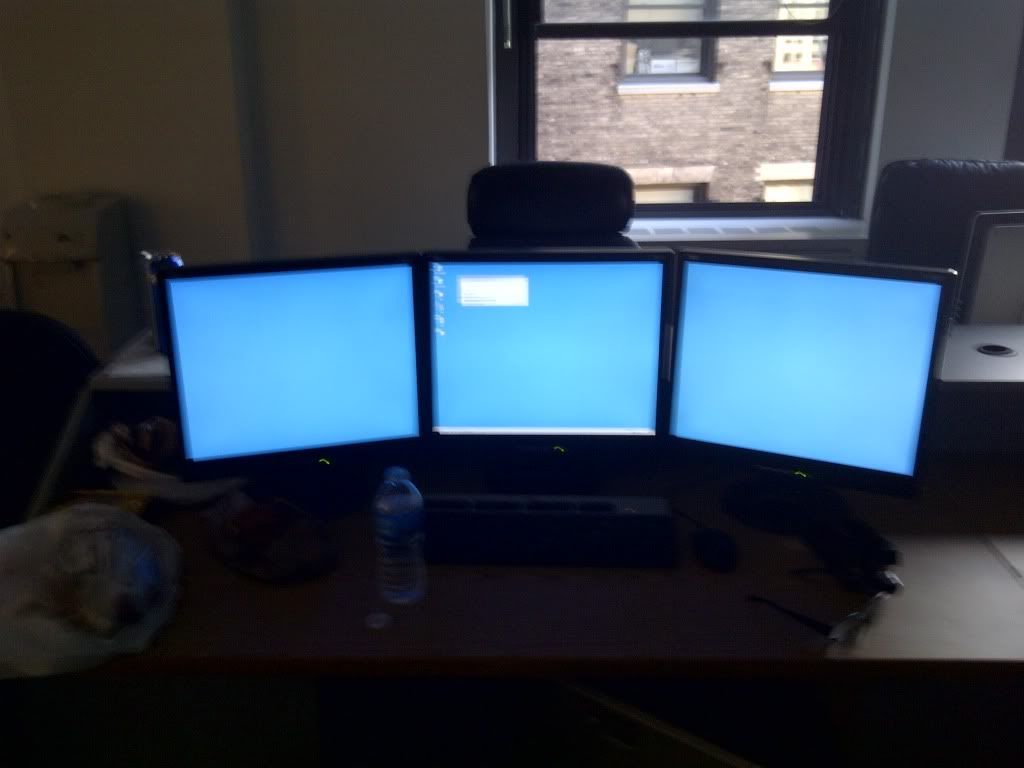
Pictures of your trading stations

Unfortunately they don't teach mannerism at school. Kids get used to tearing others apart behind a keyboard and a madeup name in a manner that they would not face to face.


Having multiple monitors may or may not give you an edge. But sure gives you convenience. Of course you can type in different symbols and settings and change your charts all day long. Or you leave a few charts running at fixed settings.

If you have an edge and trade from your i-phone only, trade from the i-phone. If you trade from reading the prints from Wall Street Journal like Livermore, don't buy a computer.
 
Update...

Went from this:


office.jpg


to this:


setup.jpg


(resolution is 1920 x 1200 on the 26" monitors... someone asked before)

I helped those guys setup (built the setups but don't sit there or own that equipment).

I sit at this:

Have purchased a 2nd Ergotron tripple arm and matching Dell monitor so soon it'll be 3x2 exactly as shown but all matching monitors and not offset. Also expecting bloomberg to upgrade my keyboard ASAP.

setup3.jpg


And also own this that we use as a spare for interns or whoever is hanging around that needs a computer.

setup1.jpg


Ghetto pic... Summer intern computer:

setup2.jpg


All in same office/room. Currently dealing with power issues - room is on a single 20A circuit and we need supplimental AC units in the summer... which blows fuses... As usual, now that everything is pretty much setup - we are deciding if its worth the $30k to have an electrician to come in and build out the office properly or if we should just move to a different space with enough power.
 
a sunny afternoon in pelican bay prison...

Me: so what are you in for?
Hardened criminal: armed robbery
Me: what a coincidence - me too!
Hardened criminal: what'd you try to steal?
Me: Winston's setup:D
 
Like the 3 monitor setup...what city you guys located?

Quote from WinstonTJ:

Update...

Went from this:


office.jpg


to this:


setup.jpg


(resolution is 1920 x 1200 on the 26" monitors... someone asked before)

I helped those guys setup (built the setups but don't sit there or own that equipment).

I sit at this:

Have purchased a 2nd Ergotron tripple arm and matching Dell monitor so soon it'll be 3x2 exactly as shown but all matching monitors and not offset. Also expecting bloomberg to upgrade my keyboard ASAP.

setup3.jpg


And also own this that we use as a spare for interns or whoever is hanging around that needs a computer.

setup1.jpg


Ghetto pic... Summer intern computer:

setup2.jpg


All in same office/room. Currently dealing with power issues - room is on a single 20A circuit and we need supplimental AC units in the summer... which blows fuses... As usual, now that everything is pretty much setup - we are deciding if its worth the $30k to have an electrician to come in and build out the office properly or if we should just move to a different space with enough power.
 
Not sure if anyone can use it but this just came across from monoprice.... daily sale:

Daily Deal! 2 Way Adjustable Tilting Desk Mount Bracket for LCD LED (Max 33Lbs, 10~25inch) - Black is on sale for only $12.27 (No limit per customer)

This quality, steel mount allows you to attach your monitor to the edge of your desk, maximizing your work space. The variable height adjustment brings your display to the perfect viewing height while the extension arm brings the screen closer to you when needed.


http://www.monoprice.com/products/p...ebook&utm_campaign=Daily_Deal_Facebook_P_5401
 
Quote from yess4400:

Thanks AC; can't use the stand, but the site is a great resource.

Ive purchased a number of cables etc from them and the quality is decent....prices are great.
 
Back
Top