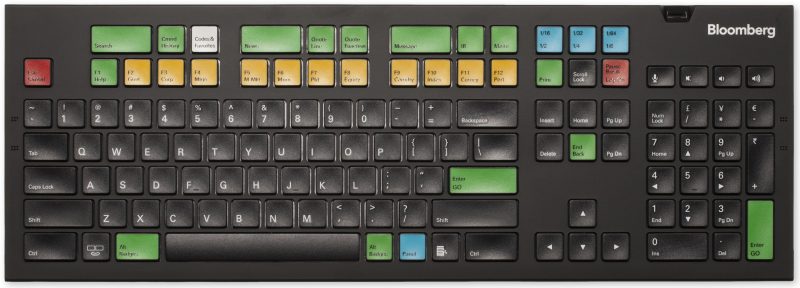
Which one ?
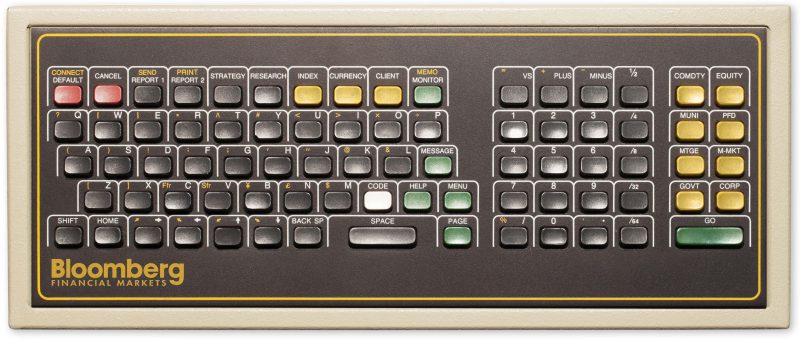
1983: The Chiclet
The original keyboard was hand-assembled. During the pre-Internet era, each keyboard required a special cable that ran from the user’s desks to an equipment room that contained the Bloomberg Controller and dedicated telephone lines connecting to a local network hub.
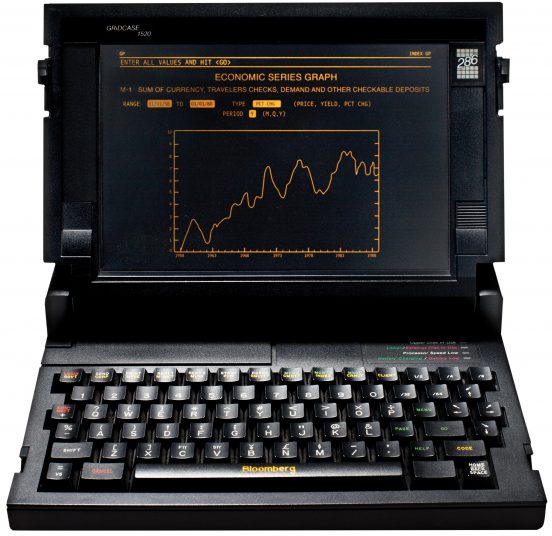
1986: The Grid
This is what a groundbreaking invention looks like. The Grid allowed users to access Bloomberg when traveling, at home, on the weekends or on vacation – an ingenious idea at the time. Connected via modem over a POTS (Plain Old Telephone Service) line, connection speeds were 1200 bits/second (bps), 2400 bps, 4800 bps, or if you were really special, you had “hot-rod” access of 9600 bps by strapping a custom modem card to the bottom using Velcro.
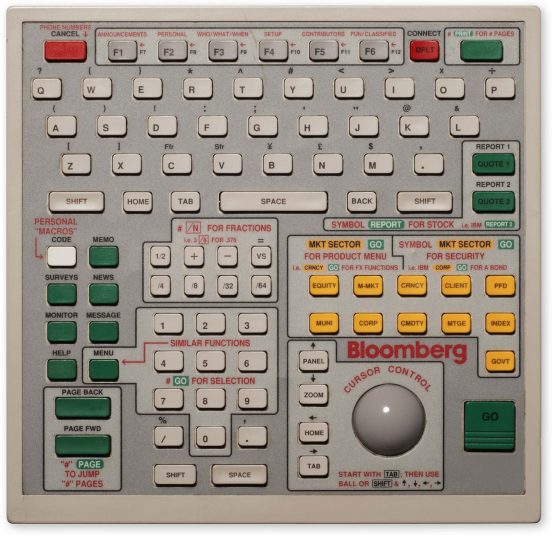
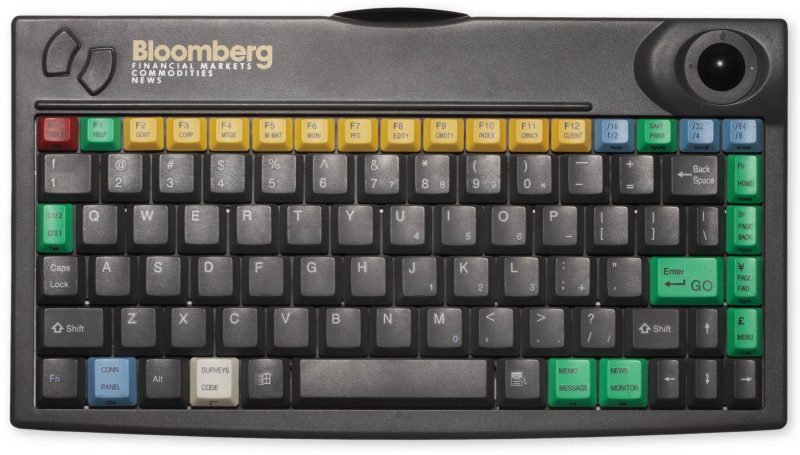
1990: Trackball
The first redesign of the original keyboard, the Trackball allowed for easy and quick Terminal functionality.
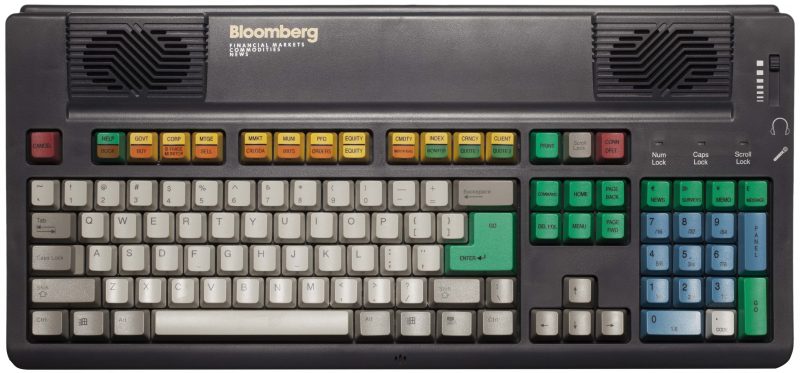
1992: Trackball with Speaker
This enhancement was released a short two years after the Trackball’s debut – signaling Bloomberg’s early desire to support multimedia through an integrated speaker and dedicated Telco jacks, headphone and microphone ports.
1994: PC-style keyboard
The demand for this model grew from internal requests from our engineers, and it coincided with the development of the early versions of “Open Bloomberg” which was the first iteration of the Bloomberg Terminal running on a customer-provided PC.
1995: Infra-red keyboard
Mike Bloomberg was our earliest and most loyal adopter of this keyboard, our first wireless model that used infra-red which was connected to the PC.
1996: Classic
This keyboard is part of the Smithsonian’s collection.
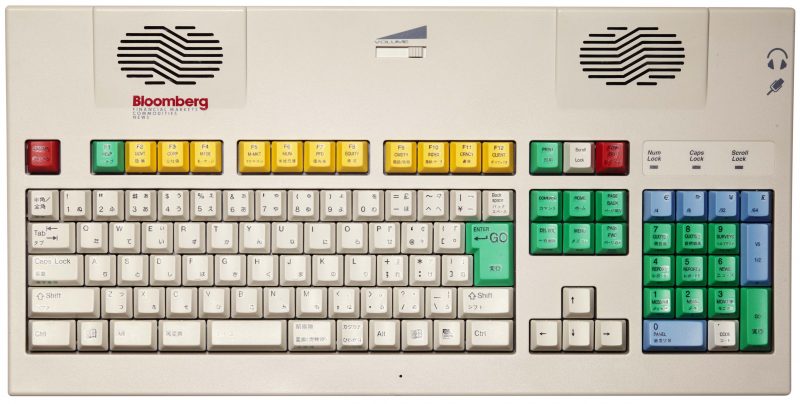
1996: Tradebook
This keyboard supported 23 languages and added support for Bloomberg Tradebook with keys specific to traders’ needs.
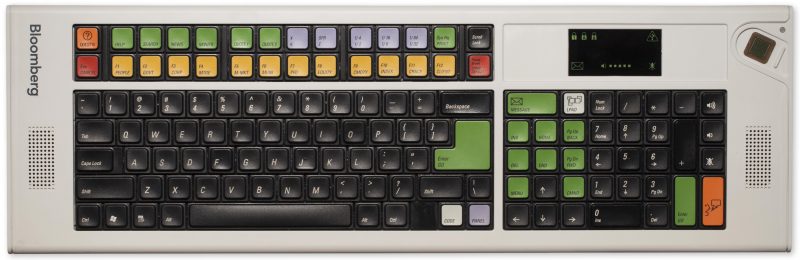
2004: Centerboard
This redesign provided enhanced capability, including squawk boxes, biometric authentication, and enhanced multimedia and communication functionality. Due to its extra length, the keyboard resembled a Centerboard on a sailboat, a moveable keel that can be adjusted on smaller sailboats in shallow water, hence the name.
2008: Freeboard
The original design intent for this model was to be wireless and have a smaller footprint, hence the “Free” part of its name. A simple tweak to relocate the biometric sensor solved the smaller size challenge.
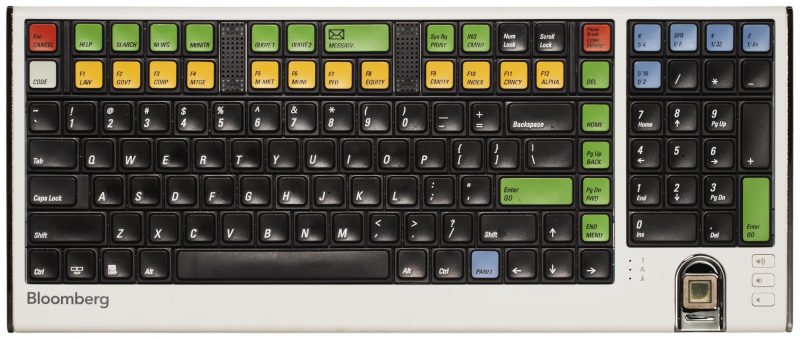
Present: Starboard
Today’s current model reflects a more standard key mechanism and typist-feel to address evolving customer preferences who are accustomed to their home PCs and laptops.