Thanks for replying Winston. I've got linux MINT cinamon. I've got WINE installed. To be honest I didn't understand the rest of what you said but that will be a starting point for me to work it all out.
I should start off by saying that I assume by "TT" you mean quotes and ladders and a graphical representation of the markets - I assume you want the charts and quotes...
GUI = Graphical User Interface
CLI - Command Line Interface
Cygwin is the same thing as WINE. WINE provides a Windows environment within Linux and Cygwin provides a *nix environment within Windows. (Linux or UNIX and other flavors are generally written *nix since they all have a "nix" sounding suffix)
The problem you have isn't like trying to switch between different windows operating systems (for example many programs work on Windows XP as well as Windows 7). The kernel of a Linux operating system is fundamentally different from a Windows OS. It just won't work. like putting a square peg into a round hole... Not going to happen... unless you can make it work on WINE.
I know that some applications work within WINE (windows simulated environment) and some don't. Just call TT and ask them. Or look to download TT for *nix (if available). I know you probably won't get quotes and news and it'll be buggy as heck - but go for it. If you have to ask here I'd say don't do it. Its not over my head but it just seems like such a pain in the rear end I wouldn't even want to try.
Why are you using MINT? Are you cheap? (no offense) Do you like it? Security? Other applications? Why not run Windows 8.1 on a 90-day trial and re-install a few times if you are going through trial and error or troubleshooting? Server 2012r2 comes with a 180d trial if you wanted something a little less user friendly but longer trial (just Google how to enable wifi support if you need BEFORE you install 2012r2... it's in Roles and Features).
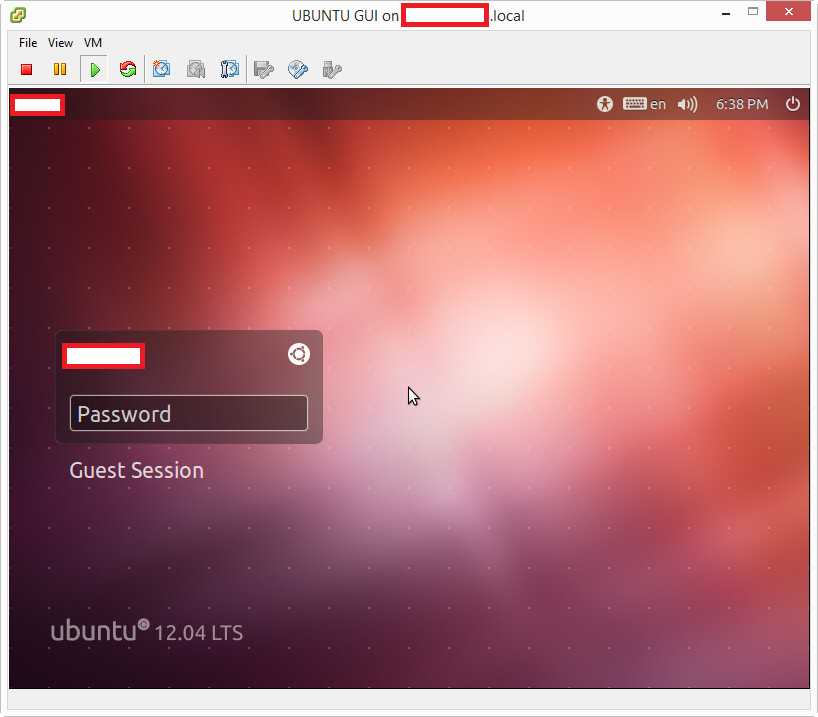
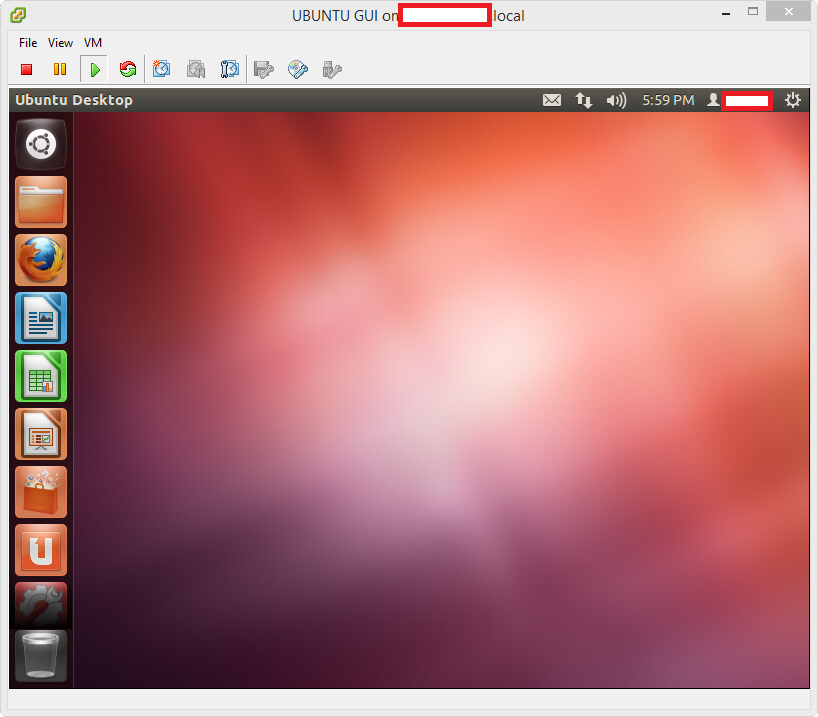
GUI is your typical desktop, Windows, Linux, etc. like this Ubuntu desktop:
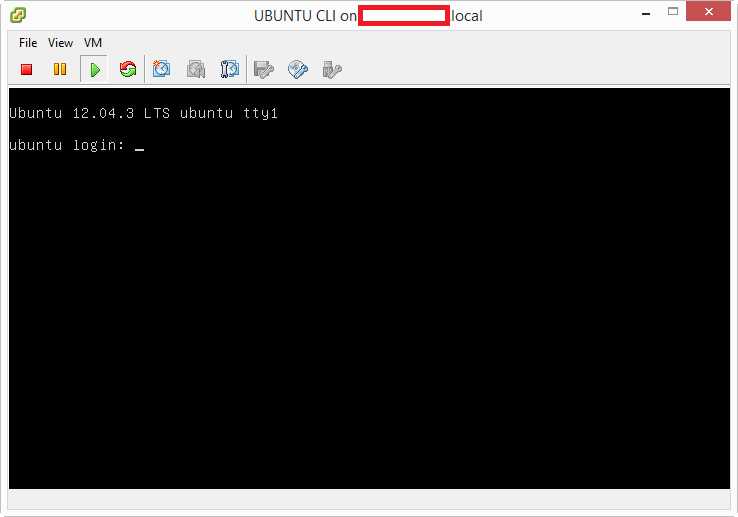
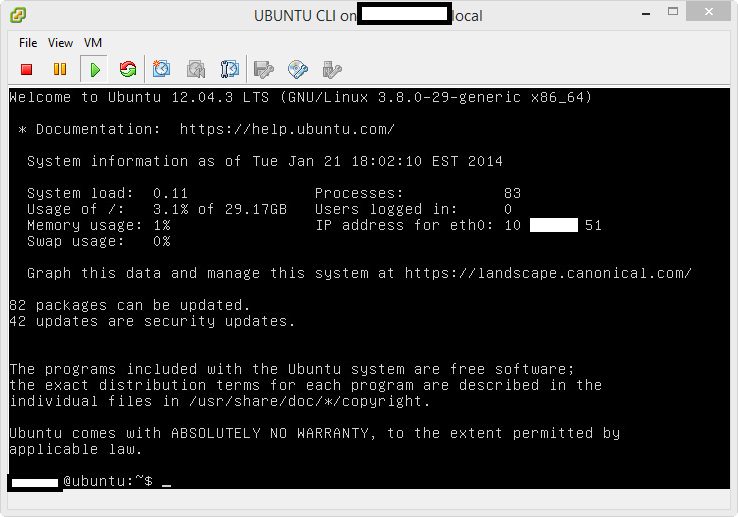
CLI is what most think of the old school black screen with green text. There is no graphical anything, it's simply command line and does/runs whatever you need without a graphical representation (like this Ubuntu server CLI):