Quote from WinstonTJ:
What are you using this for? I've got to say that's a great price for that much space however your example and mine are for two totally different purposes, use different types of hardware and (I would venture to guess) have two different intentions.
My server is split into 3 zfs pools: work ( 6 x 2 ), media ( 8 x 2 ), and temp ( 2 x 2 ).
The work pool contains my historical data and support files. I have been adding to my tick collection over time (now around 2.5 TB). Unless you are using tick level data, daily and minute take up only minimal space ( < 200 GB).
The media pool contains my DVD (mkv/x264) and CD (mp3 & flac) collections. The media pool is only for streaming to other devices; no encoding. All transcoding was done over the years on other (faster) machines. I would not recommend using a i3-21xxT for encoding.
The temp pool contains my nightly backups, etc. This pool is for everyday use.
Most home-users may have a simple home NAS of some kind (drobo, etc). I started out with a 4 bay NAS which I quickly grew out of.
The biggest differences between your example and mine is the drives and raid cards. There is a major difference between 5400rpm drives and 7200rpm drives and an equally large difference between a RAID card/controller with battery back up and onboard RAM (so that write caching can be enabled) and a non-BBU card that is just being used for extra SATA ports.
Normally when I build a database such as my example the intent is to have many different processes as well as many different users accessing the array at the same time. This means it will be bombarded with constant high loads of reads and writes therefore the overall I/O of the disks and the RAID cards is very important to me. Using a 5400rpm green drive with 32mb of cache is not an option. Most of these things are being used for modeling or optimization or backtesting and with all of that going on at once the I/O to the array is paramount.
Do you run your simulations locally on the server or over the network on workstations?
If over the network, do you experience any network saturation? Even with gigabit, I think network bandwidth will be more of a factor than access speed (read/write) depending on the number of processes trying to access the server simultaneously.
When I planned my design, one key decision was to make a server for storage i/o only. No user applications are run directly on the server. All CPU intensive tasks are run on a desktop machine.
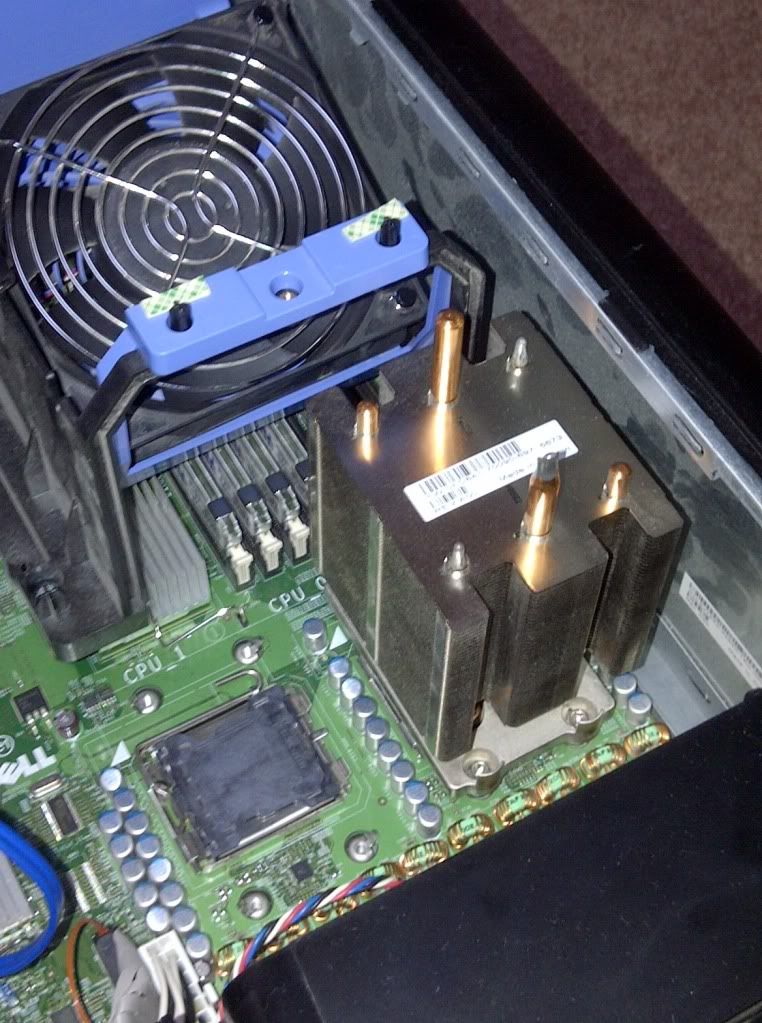
Overall, for $5,000 you get server-grade components (motherboard, NICs, CPUs, RAM (fully buffered, ECC), RAID card, etc.) with hardware RAID which is going to outperform most other retail grade options and be more reliable for 24/7 sustained use.
I perfer software RAID (in my case zfs) vs hardware. Not all hardware RAID cards are compatible. If you don't have a backup of the same card (make/model), you may run into difficulty restoring a RAID 5/6 partition if you have a hardware failure.
One more question, how do you get to 26TB with 16x drives? Is that just the usable space you get from 16 2TB drives?
I am running zfs raidz (RAID 5 equivalent). When factoring raidz overhead, usable space is closer to 24 TB total. 26 TB is the free space reported by linux; although different linux tools/utils will give different results when querying free space.
 So it's all other people's simulations and machines and it depends on the machine. This one has really old CPUs and would get killed if it was used for local simulations whereas the one I built last month (only 12TB) has two 6-core intel CPUs and that firm's quant will be running the simulations on that machine. It varies and hardware needs to be spec'd for the use. This one is going to be used more similarly for your "temp pool" type use. They will run their extractors or simulators locally and then push the results or larger files to this machine vs. their own.