dxFeed
Sponsor

We are happy to announce the successful integration of the dxFeed data feed into Quantower software, a multi-asset, broker-neutral trading platform.
dxFeed now powers Quantower with real-time and historical market data for futures, stocks, and options from CME Group, Cboe, OPRA, Eurex, and Nasdaq with different depth:
- Top of Book (real-time and historical Best Bid, Offer and Last Sale market data, known as Level1)
- Full Market Depth real-time data
Through this collaboration, Quantower users will have access to low-latency real-time data on futures, stocks, and options coming directly from the exchanges. The full list of the available subscriptions can be found on the dxFeed Retail portal.

In addition to standard price data, dxFeed provides volume data for every trade, opening up the possibility to use volume analysis functionality in the platform — Volume Profiles, Time Statistics, VWAP, Cluster Chart with imbalances, and Power Trades tool.
Especially valuable is the use of the dxFeed data inside the DOM Surface panel for precise orderflow analysis, as almost every exchange provides full market depth (when a corresponding subscription is used). The DOM Surface panel shows all market actions and liquidity changes in the order book through the Heatmap view.

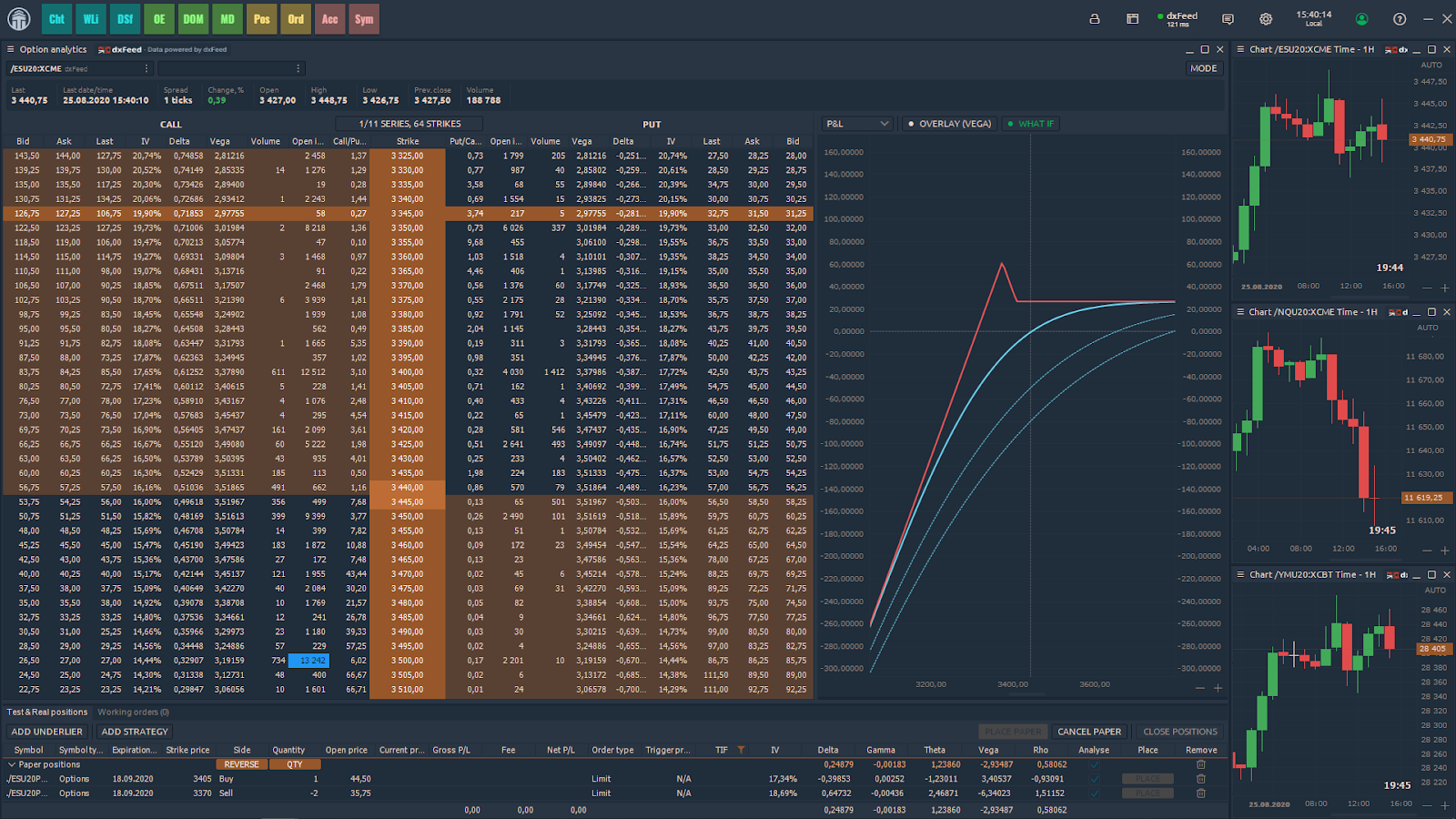
For those users who trade options, the dxFeed US Stocks options OPRA feed powers the Option Analytics panel where you can create options strategies and analyze risk profiles, measure price values with Greeks, volatility smile, open interest and other data.
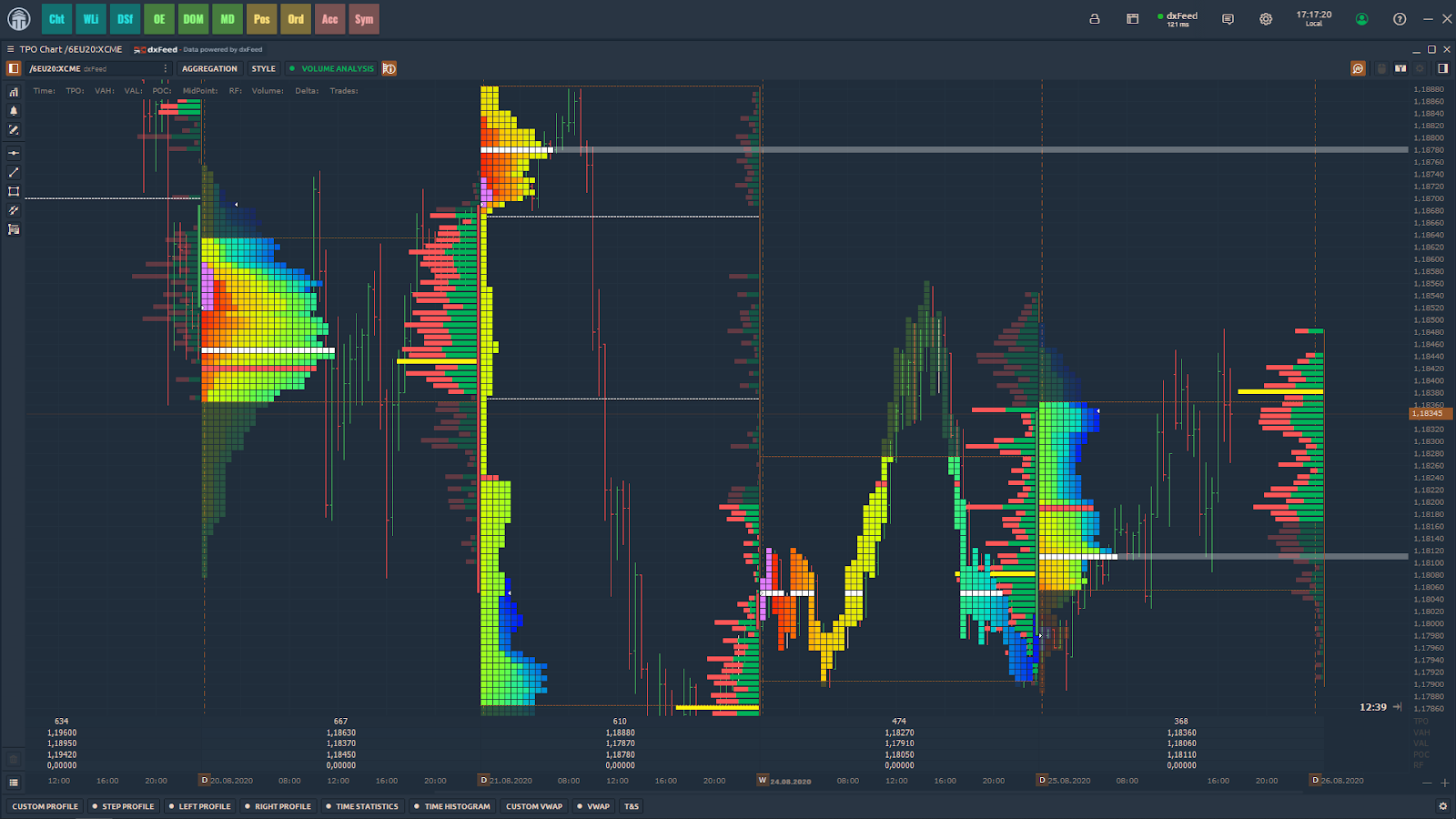
TPO Profile, backed by dxFeed historical data, shows the price distribution over time, forming a market profile. This allows us to understand how long the price has been at certain levels and where support and resistance zones have formed.
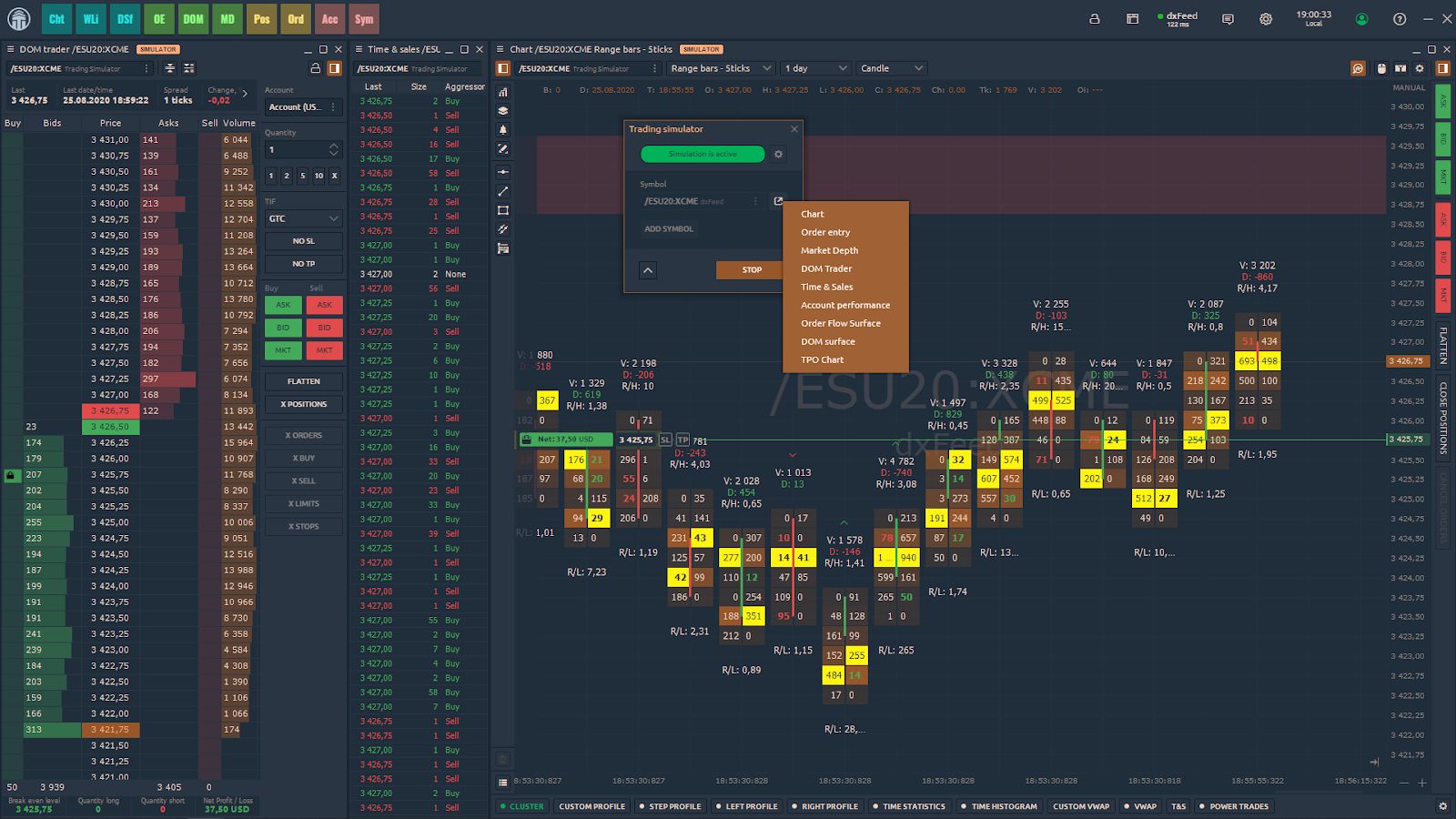
dxFeed, as a market data vendor, provides only data into the platform. Based on dxFeed real-time data, you can still place orders in Quantower using the Trading Simulator panel. Complete simulation of live trading on real-time data will improve your trading skills. Besides, you will find the Market Replay panel on the platform for manual backtesting of trading systems on historical data.
All these professional features of the Quantower platform powered by dxFeed real-time and historical data will be indispensable for technical and orderflow analysis of futures, stocks, and other assets.
To feed dxFeed market data into your Quantower application*, just create an account, select the necessary exchange, and subscribe to the data.
(*) Note: Quantower platform license needs to be ordered directly from Quantower.